Enjoy TV Your Way
Streaming Made Simple
Streaming puts you in control. Watch live channels, news, sports, movies, and more, all on your schedule.
Why Choose Streaming?
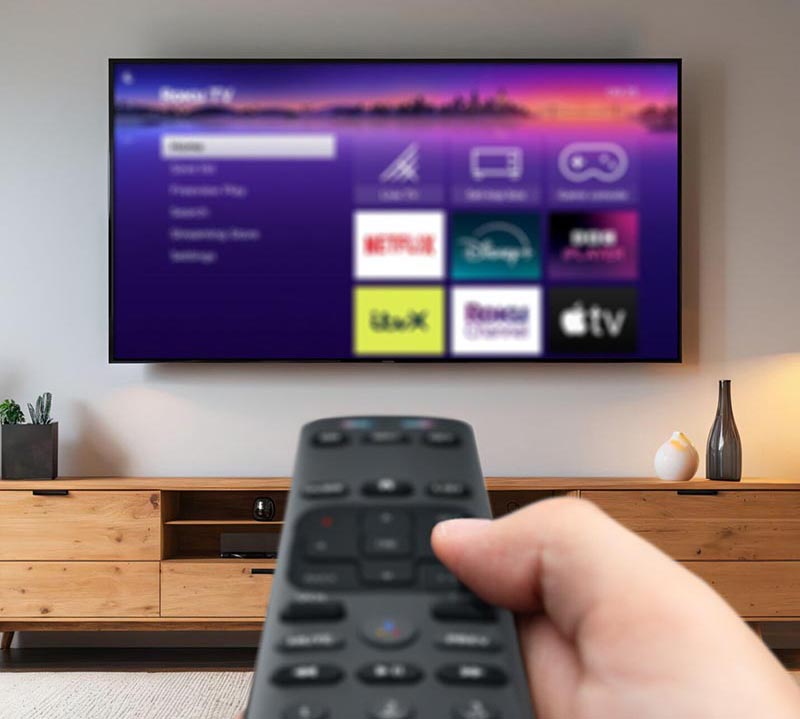
Streaming offers instant access to the shows, movies, local sports, and local news that matter most. No bulky boxes, no channel surfing—just fast, flexible entertainment on your schedule.
Live
& On-Demand
Personalized
Lineup
App
Switching
Choose Your Plan and Speed
Explore our affordable packages! Whether you’re streaming movies, working from home, or managing smart devices, we’ve got a plan that fits.
STEP 1: Get a Reliable Internet Connection
Your streaming experience depends on fast, stable internet.
- Tip: For HD and 4K streaming, our Gig speeds ensure seamless performance for households with multiple users and devices.
Norwood Light Gig Speed Internet delivers gig-speed, community-backed internet for ultra-smooth streaming on all devices, with no data caps.
Already a customer? View upgrade options or get support on our Resources page.
STEP 2: Set Up Your Streaming Devices
Smart TV
- Connect to your Wi-Fi, open a pre-installed app (like DIRECTV, Hulu Live, YouTube TV, Sling TV, Fubo, etc.), and sign in.
Non-Smart TV
- Connect to your Wi-Fi, open a pre-installed app (like DIRECTV, Hulu Live, YouTube TV, Sling TV, Fubo, etc.), and sign in.
STEP 3: Choose the Right Streaming Apps
Smart TV
- DIRECTV, Hulu Live, YouTube TV, Sling TV, Fubo
On-Demand Apps
- Netflix, Disney+, Prime Video
Free Platforms
- Pluto TV, Tubi, Crackle
MyBundleTV is a free tool that helps you:
Compare Services
Manage Your Budget
Create Custom Watchlists
Personalized Recommendations
Prefer a traditional TV experience?
Pro Tips for the Best
Streaming Experience
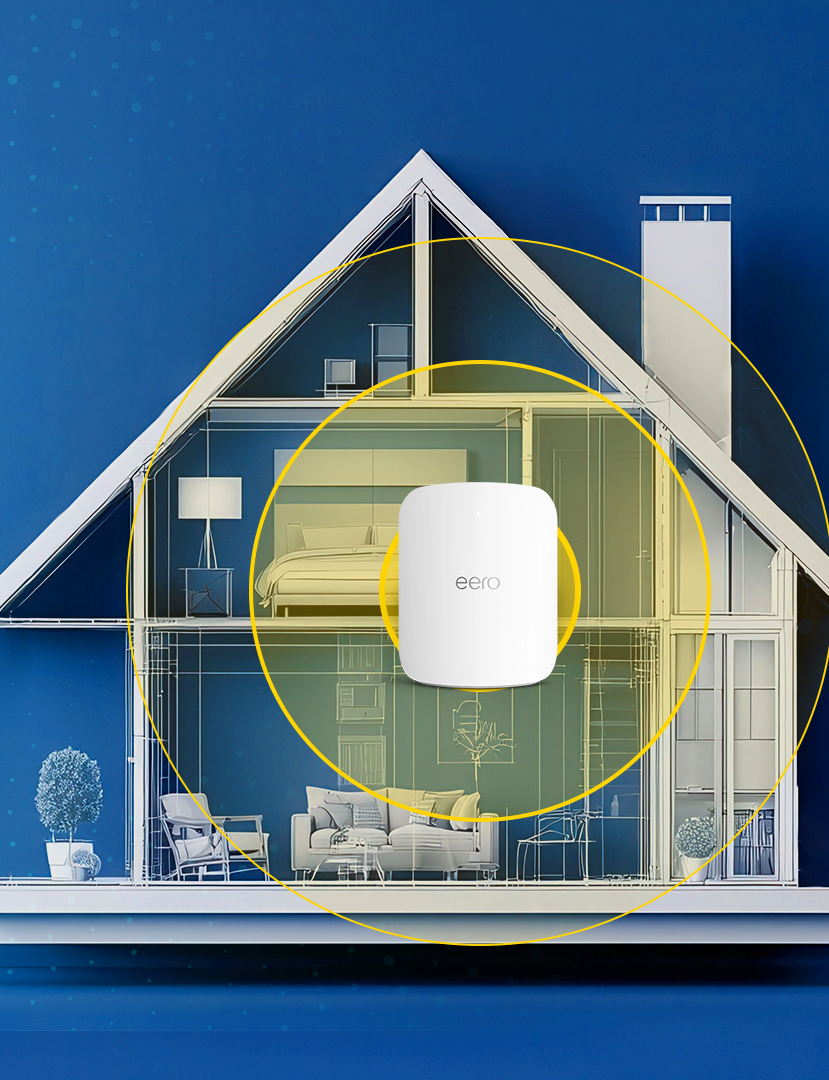
- Place your router centrally to reduce interference and maximize speed.
- Streaming works on Smart TVs, streaming sticks, laptops, phones, and tablets.
- Manage subscriptions and watchlists with MyBundle.TV or a streaming guide app.
- Need troubleshooting? Visit our Help & Resources section.
Amazon, Fire TV Stick, Apple TV, Google TV, and Roku are trademarks of their respective owners.
Frequently Asked Streaming Questions
What is MyBundle?
We’ve partnered with MyBundle to help simplify your streaming TV experience because we know it can be confusing. MyBundle’s suite of free tools help you eliminate all the work needed to find the streaming services that have the content you actually want. Whether it’s finding a replacement for cable or satellite with the channels you need, discovering new streaming services that match your interests, or deciding what to watch next–MyBundle can help. And save you money and time in the process! Visit MyBundle.TV
Do I get a remote?
Yes, most streaming devices come with a remote for easy navigation and control.
Can I record my programs?
What devices support streaming?
Can I watch local news and sports?
Yes, almost all live TV streaming services offer local channels and sports options.